FRAMEKID Get the app

Social Design Studio · iPhone · iPad · Mac · iPhone Duo

Make them
swipe.

The most creative carousel studio you can put in your pocket. One long canvas, 280+ templates and tools no other app has: one-tap cut-outs, real glass, window light and a Designer that deals you a fresh post.

Seamless01/07

One picture.
Five slides.
Zero seams.

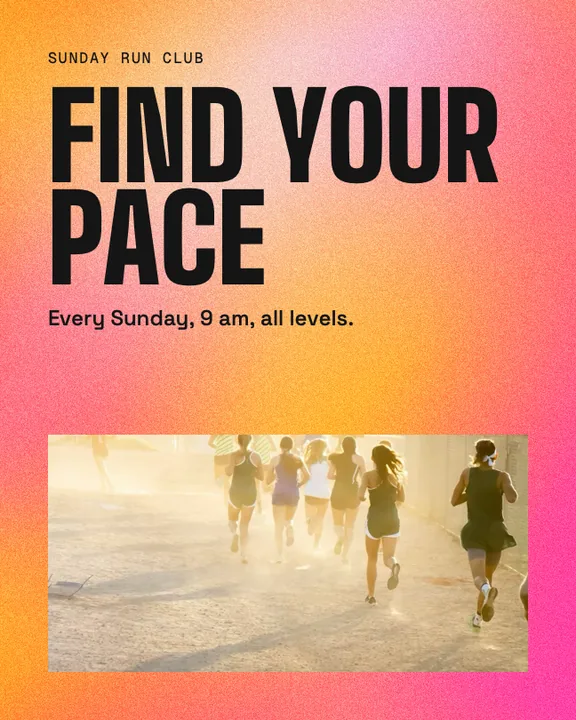
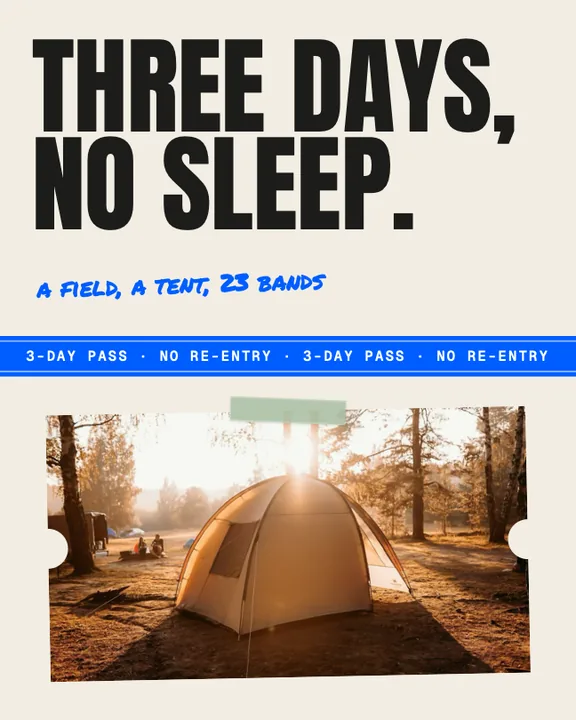
Other apps hand you a stack of cards. FRAMEKID hands you one long canvas.

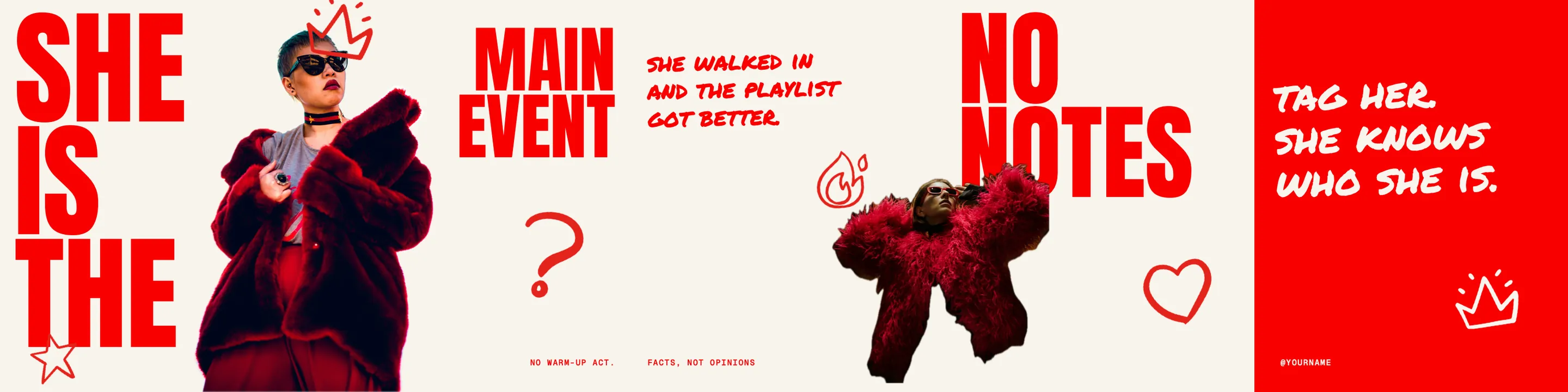
Photos, type and tape run right across the cuts, so every swipe pulls the next slide into view. That is the trick behind carousels people actually finish.
  • 4:5 · 3:4 · 1:1 · 9:16One design, every format.
  • Safe-area guidesNothing important under the buttons.
  • Post previewSee it the way your followers will.
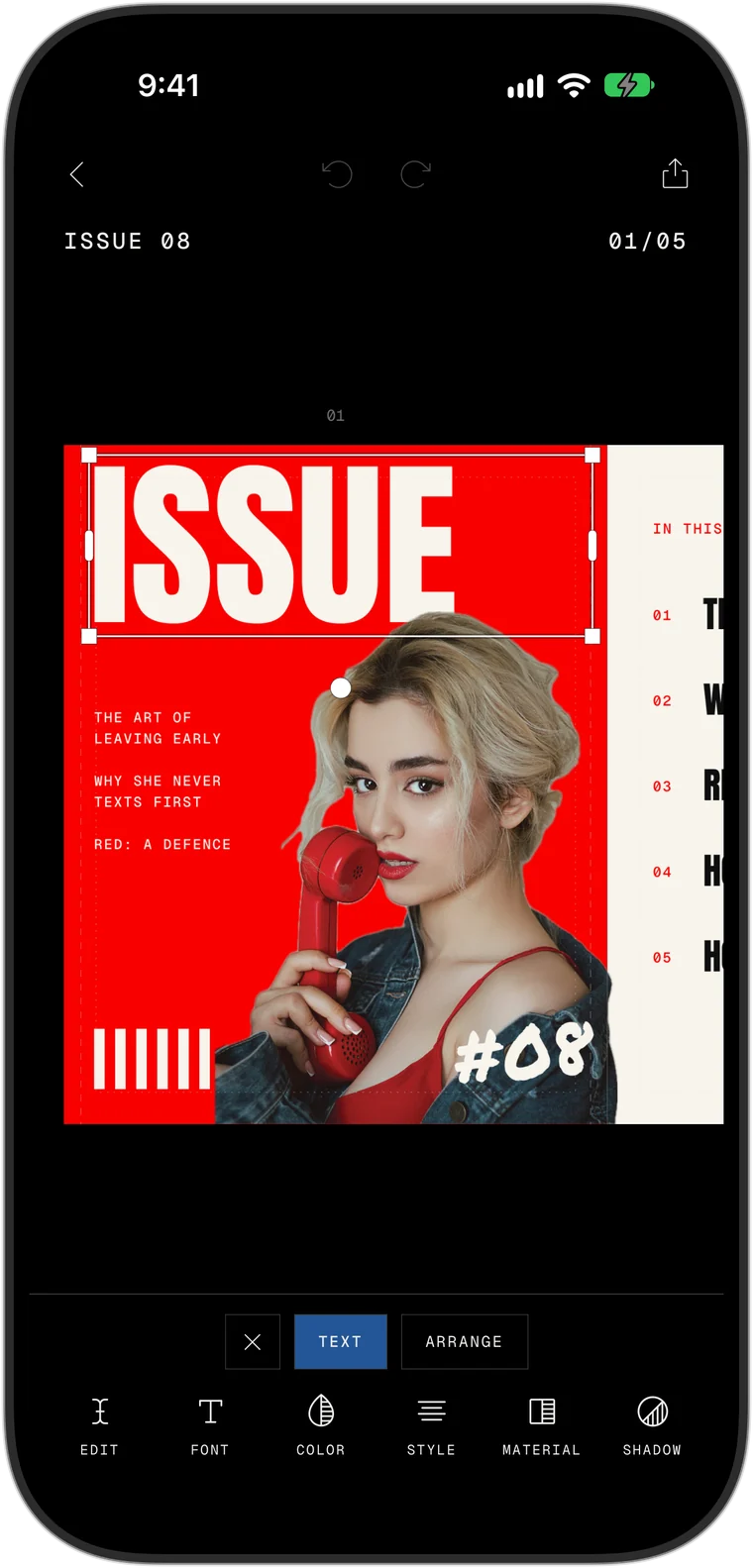
The template Main Event: five slides in red and cream in which cut-out figures and big type run across the slide edges
Main Event · a FRAMEKID template, exported straight from the app
Templates02/07

280+ templates.
Zero boring.

Made by designers, not by a template mill.

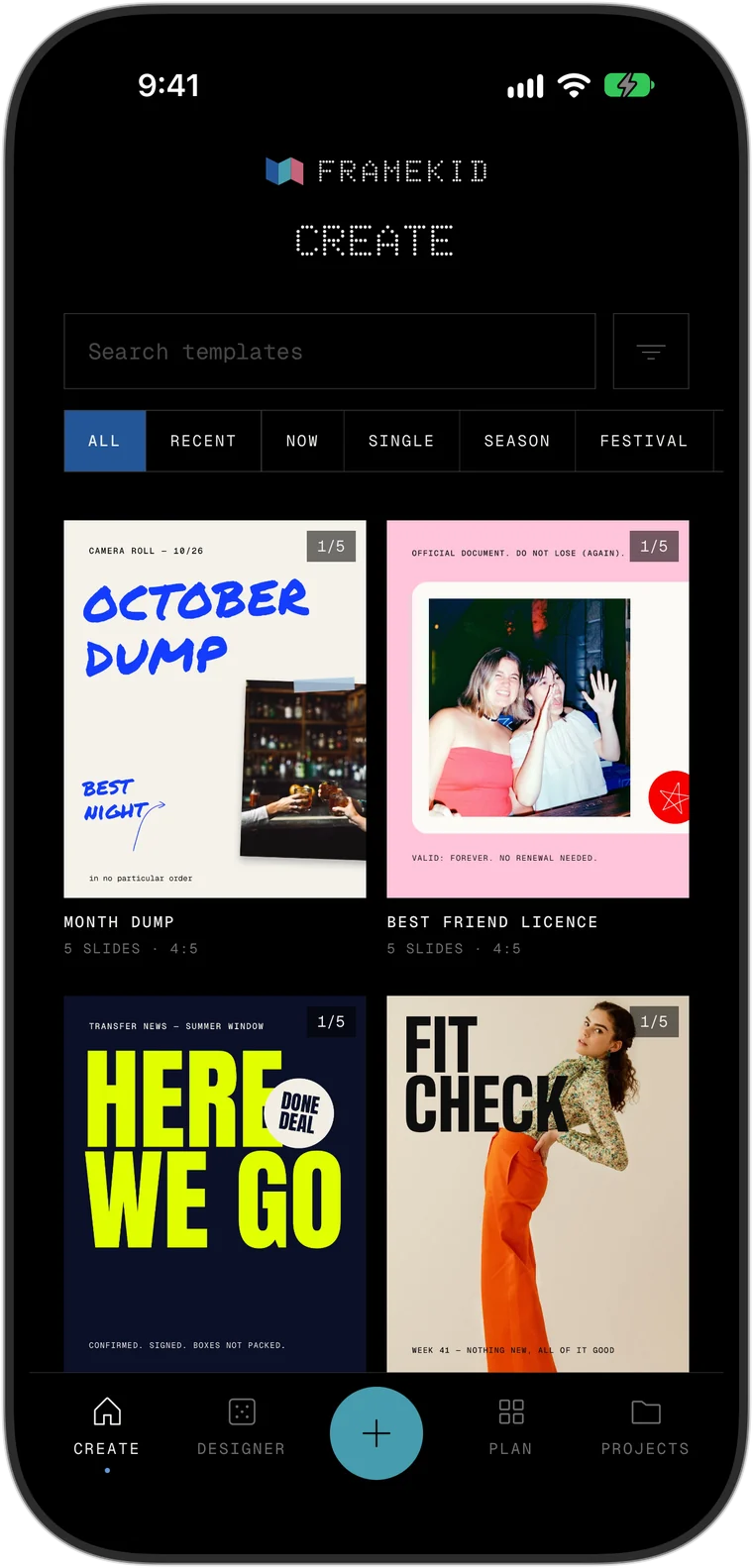
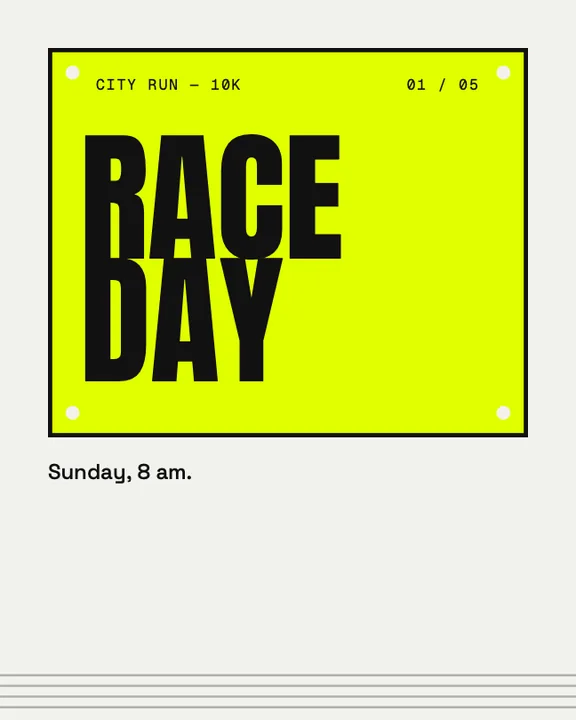
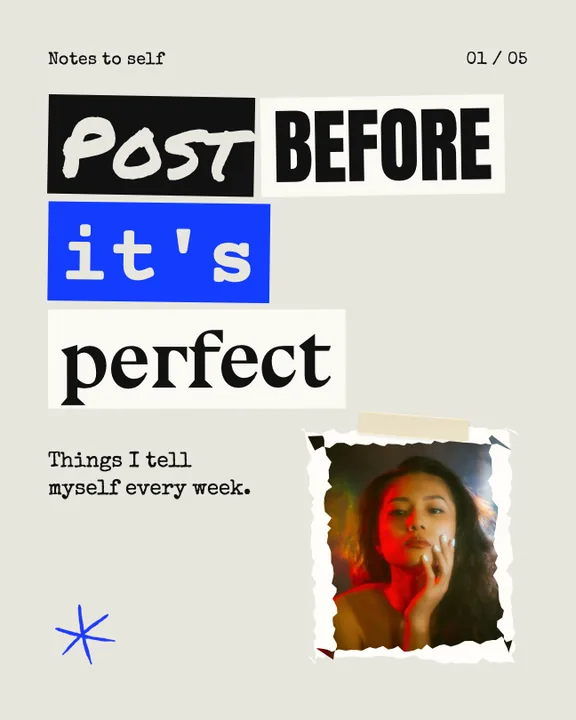
Every template is one idea carried through every slide: a race bib, a magazine cover, a festival wristband. Pick one, drop in your photos, post. Choose a genre, tap a cover and swipe through the whole carousel.
Fit Check

Now · 5 slides · 4:5

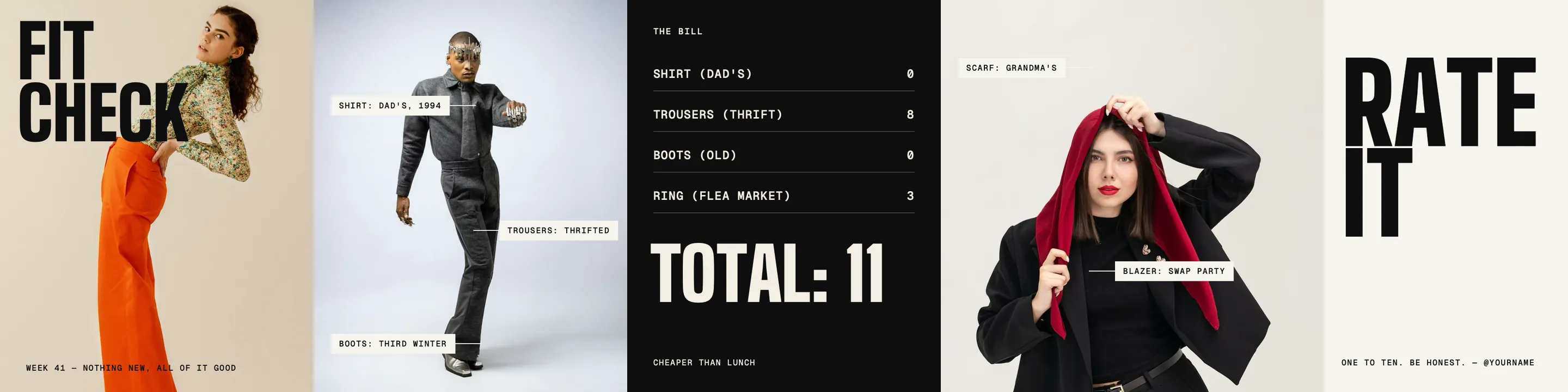
All slides of the template Fit Check

Five per genre, picked from over 280. The app also has travel, weddings, food, property, film, quotes, single tiles and story sets.

Tools03/07

Tools the
others don't
have.

We looked at every carousel app out there. Then we built what was missing.

No sliders with mystery names, no filters that look like 2014. Just the effects designers reach for, done properly and ready in one tap.

A woman cut out of a street photoThe same woman with a white outline around her
The photo tools in the app with the buttons Cut out and With outline
In the app

Cut-out

Tap once.
Background gone.

One tap lifts a person, a pet or a product off its background, right on your device. Choose With outline and a clean white line runs around the shape, like a die-cut sticker.
A carousel cover in cut-out letters, made by the Designer
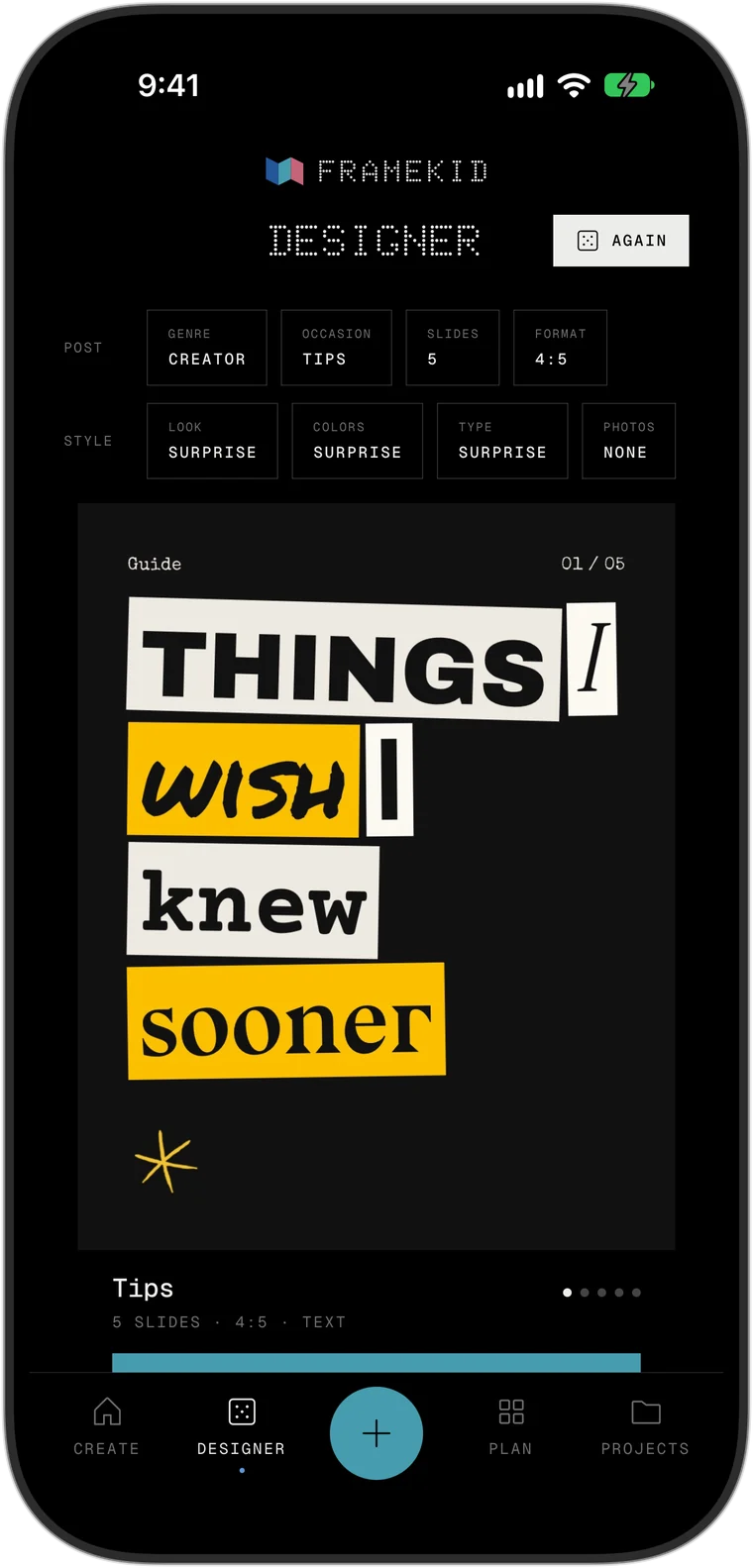
The Designer in the app with its choices for genre, occasion, look, colours and type
In the app

The Designer

Out of ideas?
Roll the dice.

Tell it the genre and the occasion and it deals you a complete carousel with layout, colours and type. Not feeling it? Hit Again.

The words Pop Up spelled in coloured beads
The pattern controls in the app: styles, palettes, a word, size and grain
In the app

Pattern

A poster machine
in your pocket.

Twelve patterns that draw themselves. Hit Random for new colours and a new picture, type a word and beads spell it out. One tile, and you have a poster.

A photo in a real instant frame, stuck down with tape
The material picker in the app: film frames, torn paper, notes, plastic wrap and tape
In the app

Real materials

Scanned,
not drawn.

Film strips, instant prints, tape, torn paper and plastic wrap. All of it is the real thing, scanned in high resolution.

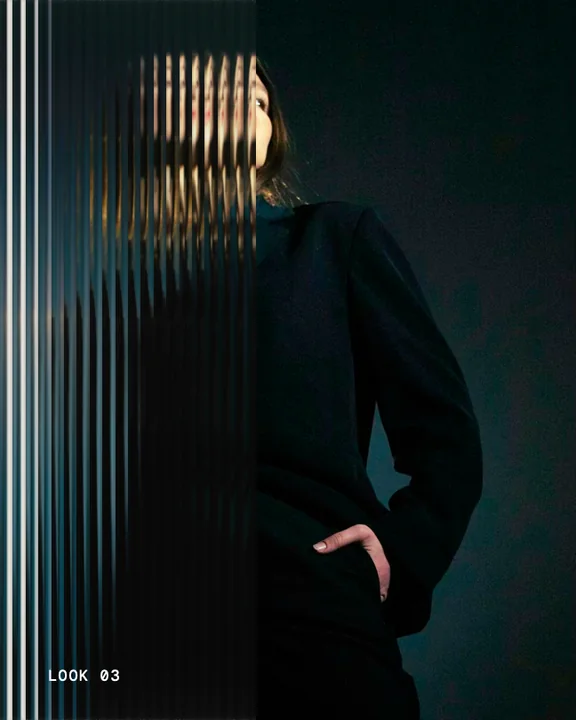
A figure in a dark coat behind a pane of reeded glass
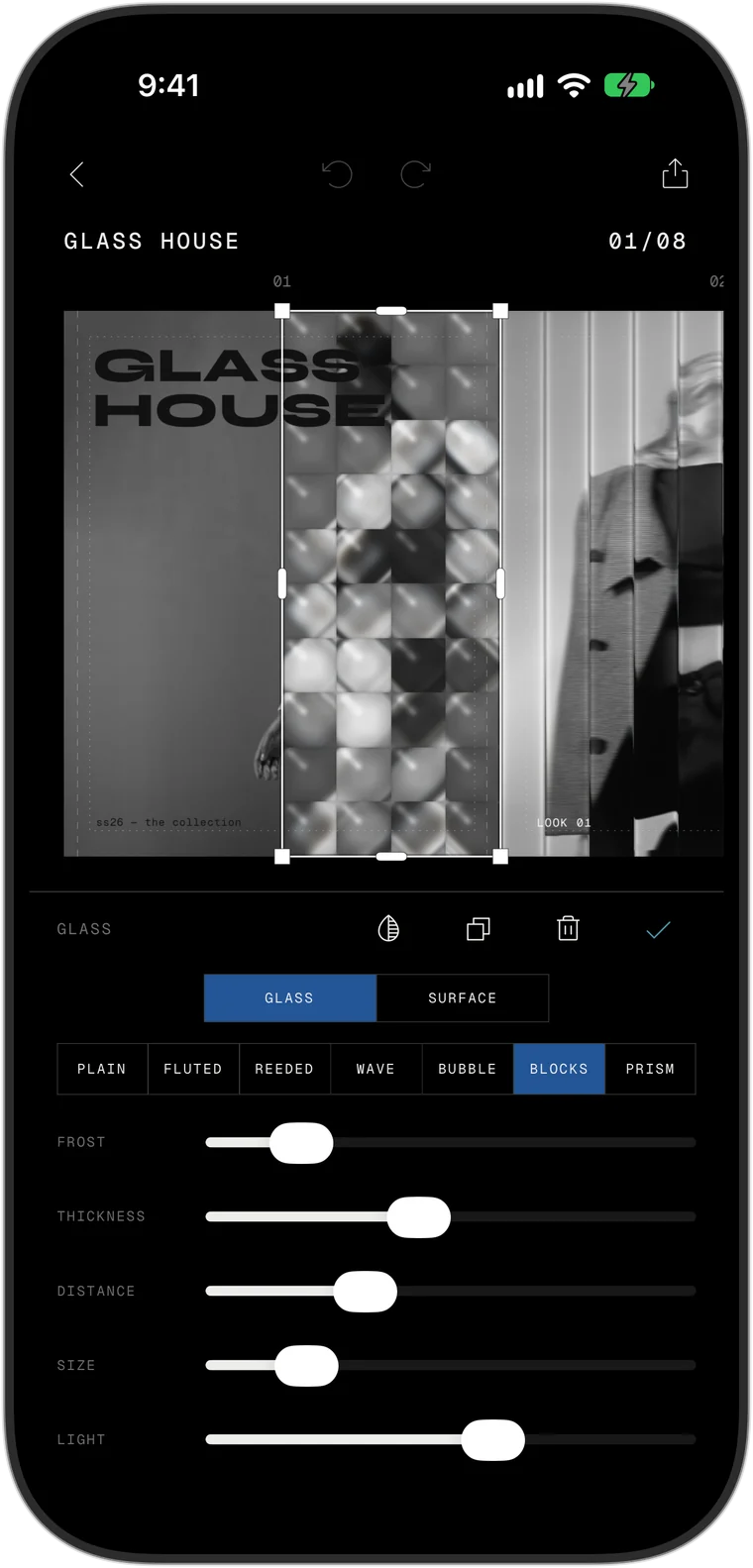
The glass controls in the app: seven kinds of glass and sliders for frost, thickness, distance, size and light
In the app

Glass

Real glass,
not an overlay.

Seven kinds of glass that bend and blur what lies behind them, live. Set the frost, the thickness and the distance, and tint the glass any colour.
A hand behind steamed glass with water drops running down
The surface controls in the app: steam, drops, runs, drop size, spots and dirt
In the app

Glass weather

Steam, drops
and dust.

Fog it up like a bathroom mirror, let water drops run down and leave trails, add dust and dried spots. Every one has its own slider.

A quote on a card of frosted glass over a misty lake with a small island of trees
A glass card selected in the app with its settings
In the app

Glass cards

Your quote on
frosted glass.

A card of glass that carries your quote, your menu or your reminder. You decide how frosted it is and what colour it has.

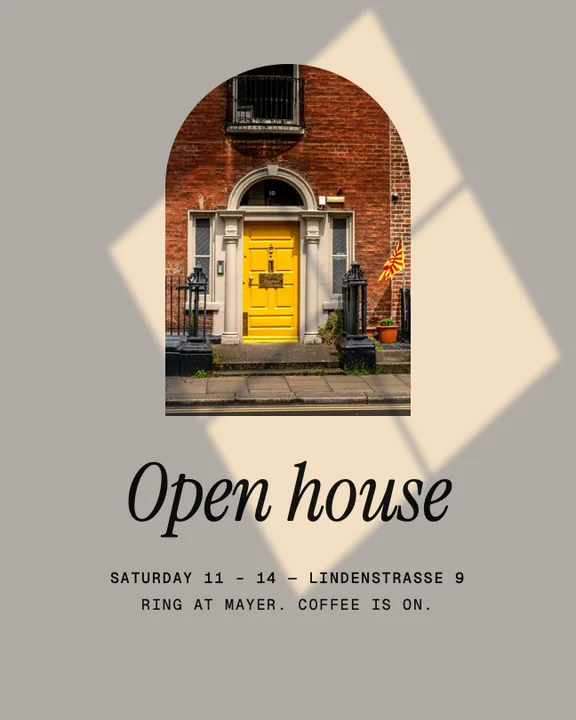
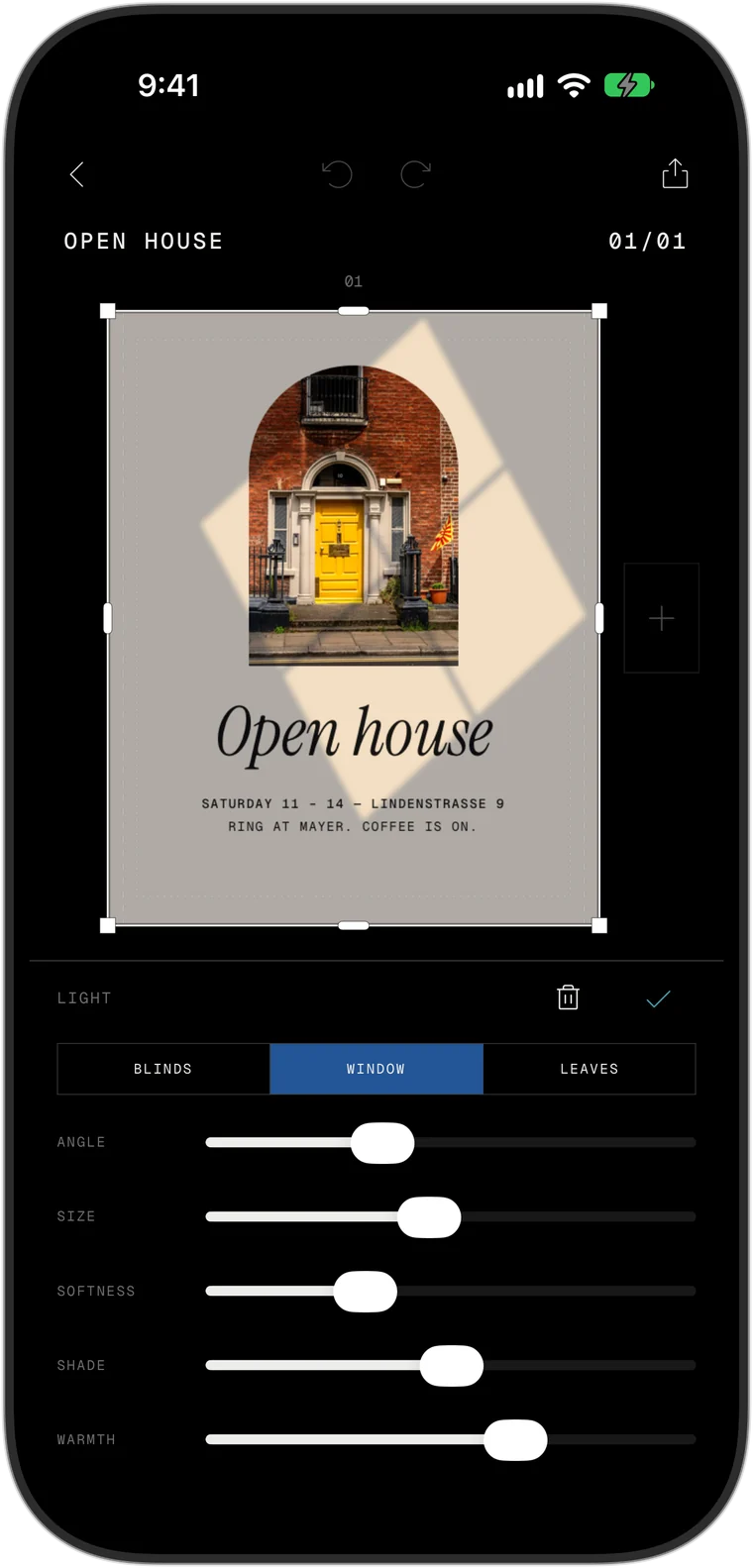
Window light falling across a photo of a front door
The light controls in the app: blinds, window or leaves, with angle, size, softness, shade and warmth
In the app

Light

Window light
on demand.

Blinds, a window frame, leaves in the sun. Turn the angle, soften it, warm it up, and a flat layout turns into a place.

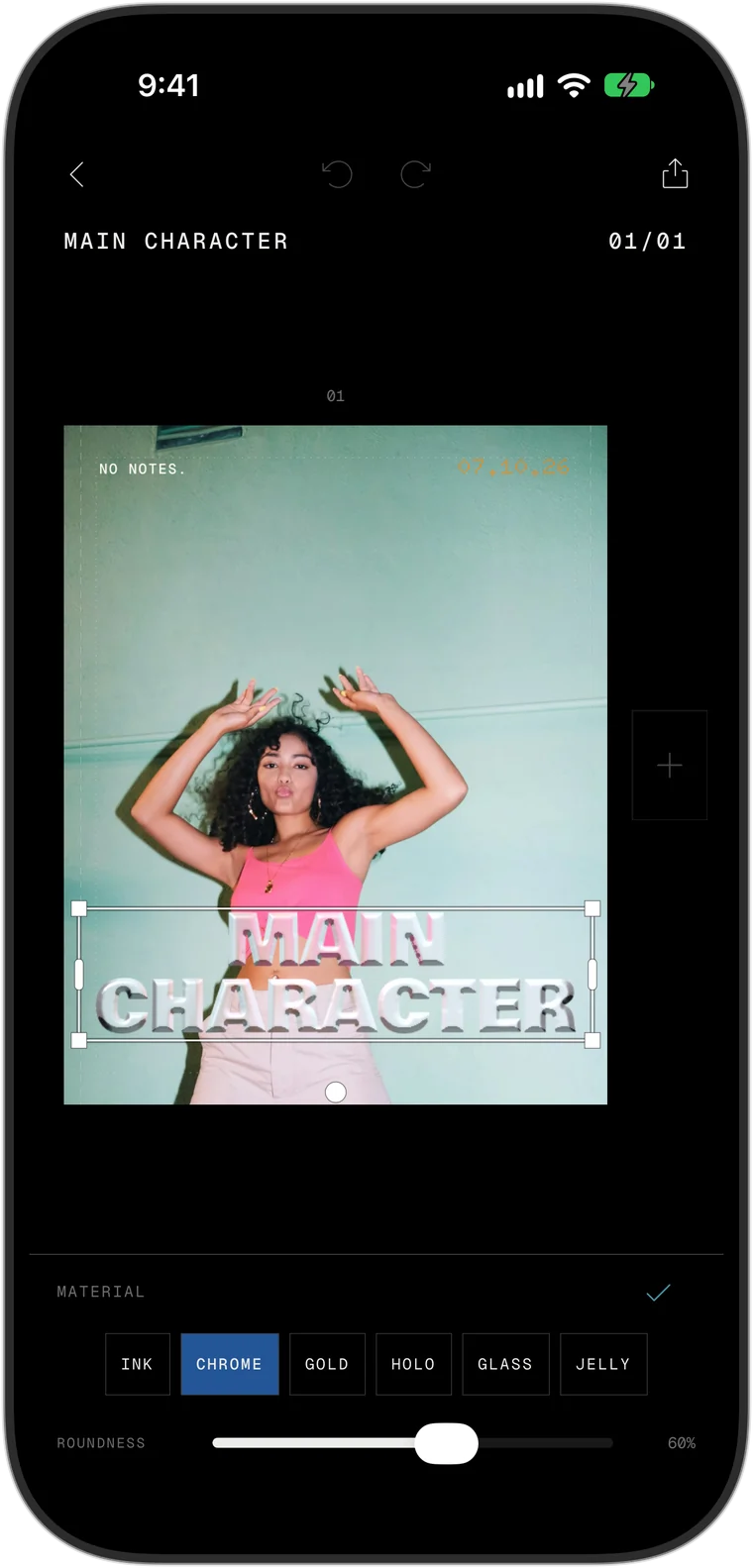
The words Main Character set in chrome letters
The material choices for text in the app: ink, chrome, gold, holo, glass and jelly
In the app

Material type

Chrome. Gold.
Holo. Jelly.

Letters made of something. Type your headline, pick the material, set how round it is. Yes, it looks exactly like that poster you saved.
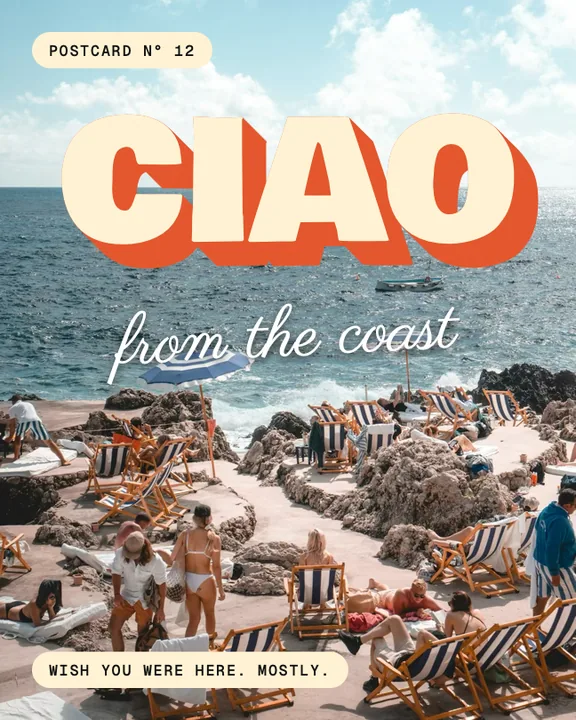
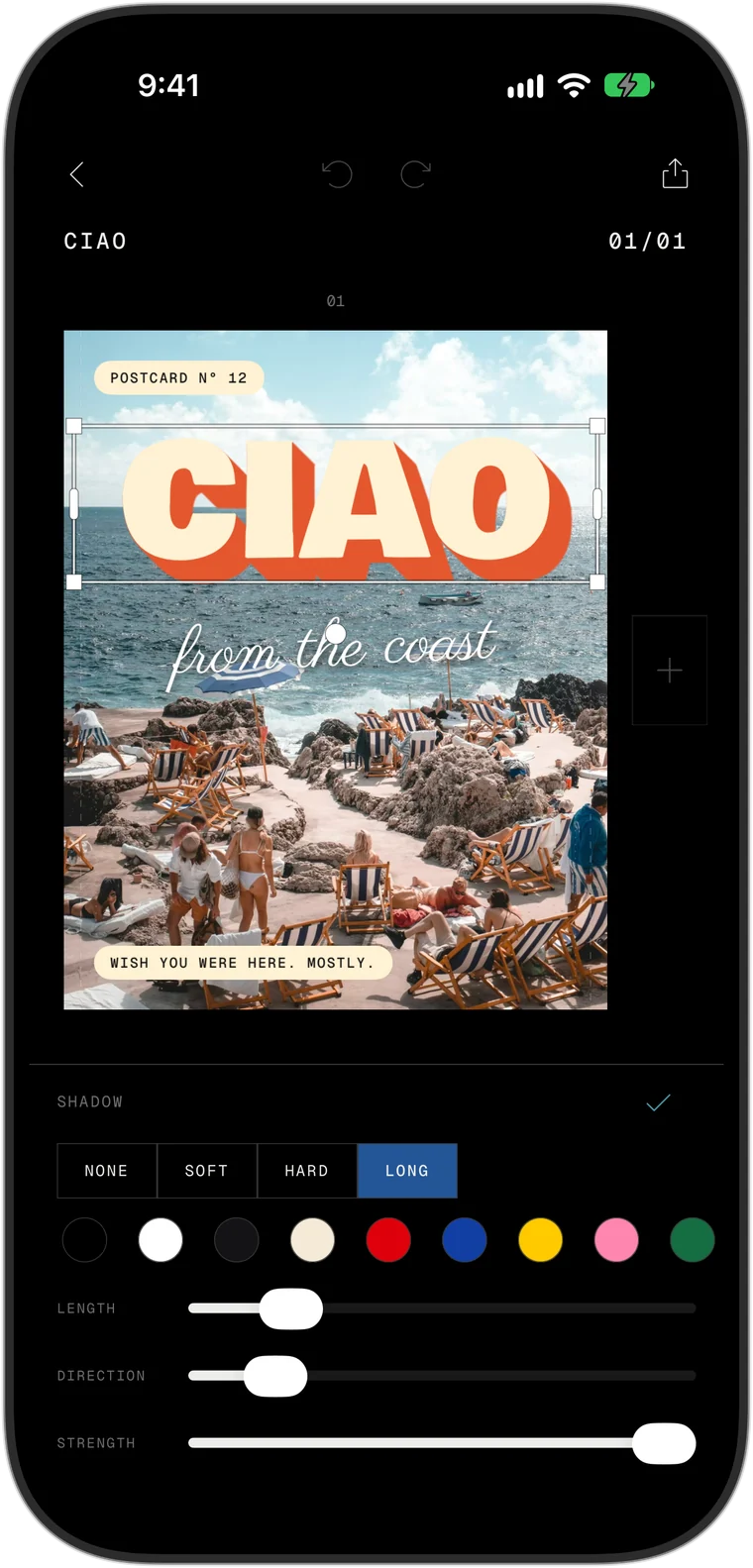
The word Ciao throwing a long orange shadow
The shadow controls in the app: none, soft, hard or long, with colour, length, direction and strength
In the app

Long shadows

Pull a shadow
out of a word.

Soft, hard or long. Drag the length, turn the direction, pick the colour. The classic poster look, and no other carousel app has it.

A carousel cover set in a bold serif
The font list in the app, sorted into serif, sans, script, handwritten, typewriter and retro
In the app

Fonts

110+ fonts.
Zero filler.

Serifs, grotesks, scripts and display faces, sorted so you find one fast. Add your own font files and they sit right beside them.

A carousel cover with a photo developed like film
The film and print looks in the app
In the app

Film and print

Six films.
Real grain.

Everyday 400, Night 800, Slide 100 and more, with grain scanned from real 35, 16 and 8 mm film. Or go riso and photocopy.

The first frame of Main Event as a 9:16 video
The export in the app with Video chosen: seconds per slide, glide or cut
In the app

Video

Video in.
Video out.

Drop clips into any slide. Then export the whole carousel as a 9:16 video that glides or cuts from slide to slide, ready for Reels, TikTok and Stories.

A report slide in a studio's brand: its logo, its fonts, its green
The brand kit in the app: logo, five brand colours, headline and text font
In the app

Brand kit

Your brand,
one tap.

Your logo, your colours, your fonts, your handle. Set them up once, tap Apply brand kit, and any template wears them. Your logo is one tap away on every slide.

A planned Instagram grid with numbered posts and placeholders
A planned post in the app with caption, hashtags and a reminder
In the app

Planner

Plan the grid.
Skip the login.

See your feed before it is live, drag posts into order, write captions, keep hashtag sets, set reminders. No Instagram login.

A carousel cover made of cut-out letters, tape and a photo
The layers panel in the app listing every element of a slide
In the app

Layers

Every piece
on its own layer.

See everything on a slide as a list. Reorder it, rename it, hide it, lock it, group it. Busy designs stay easy to handle.

  • Collage grids
  • Film looks
  • Real film grain
  • Five pens
  • Quote library
  • Stickers
  • Drawn frames
  • Torn edges
  • Type on a circle
  • Your own fonts
  • Story sets
  • PDF for LinkedIn
See everything it can do

133 things, one plain line each

Devices04/07

One studio.
Every screen.

A real app on each device, not one stretched to fit.

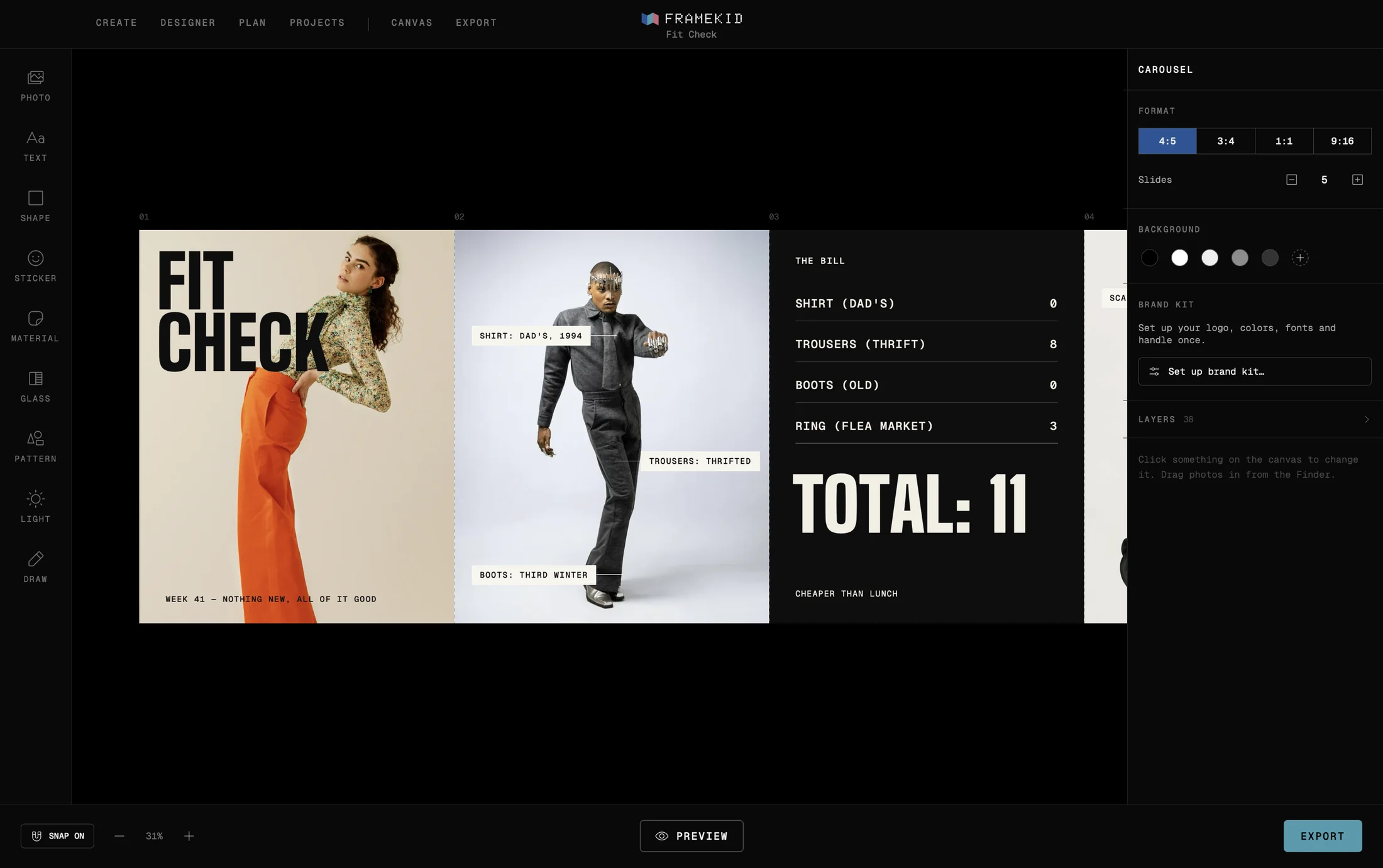
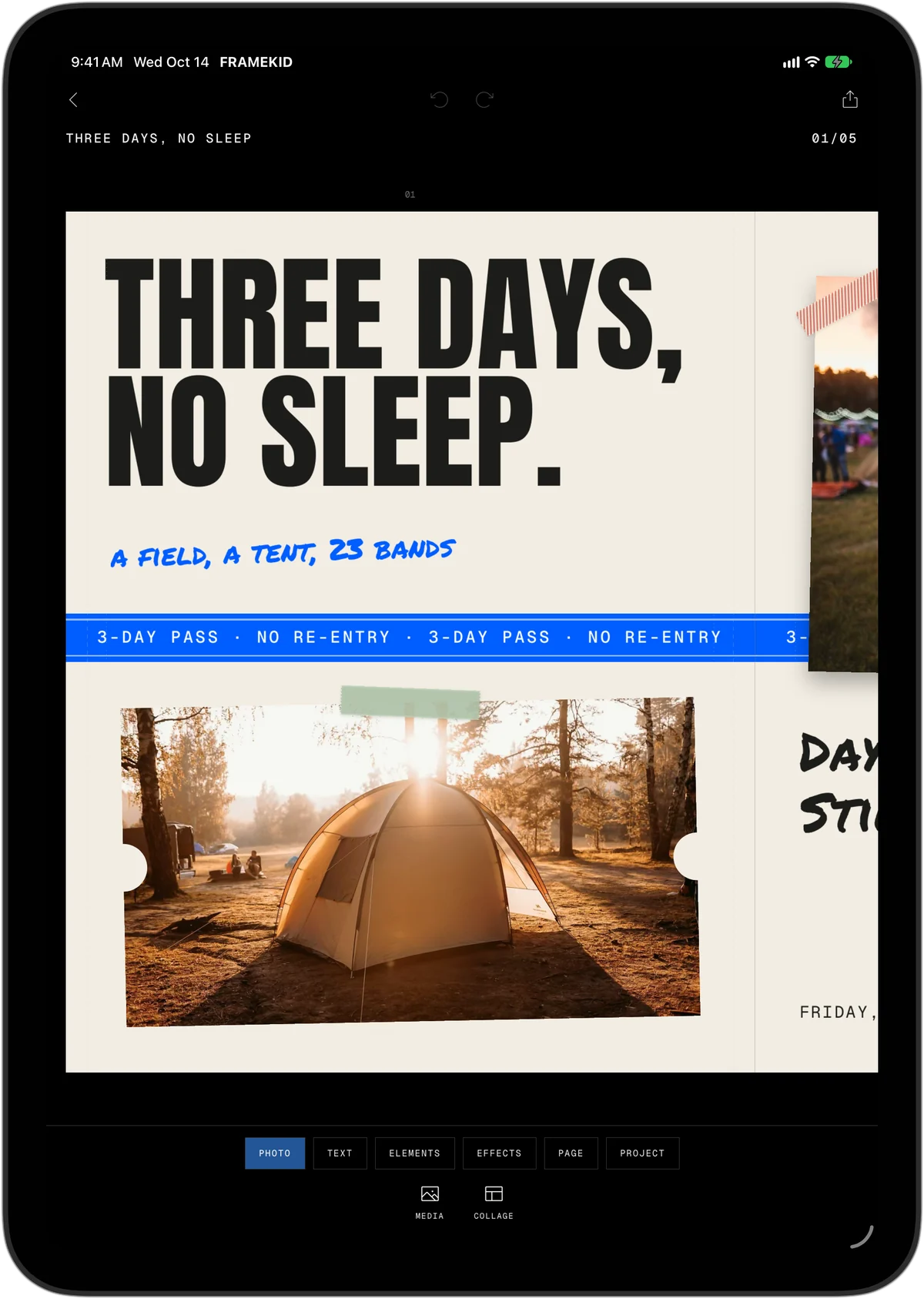
Thumb-first on iPhone. Room to breathe on iPad. A proper desktop studio on the Mac, with the whole carousel in front of you. One purchase unlocks all three.
  • Start here, finish thereBegin on the iPhone, finish on the Mac. Your projects are on every device.
  • Always savedEvery step is saved the moment you make it. Battery dies, app closes: nothing is lost.
  • Your own templatesSave any carousel as a template, give it a name and use it again.
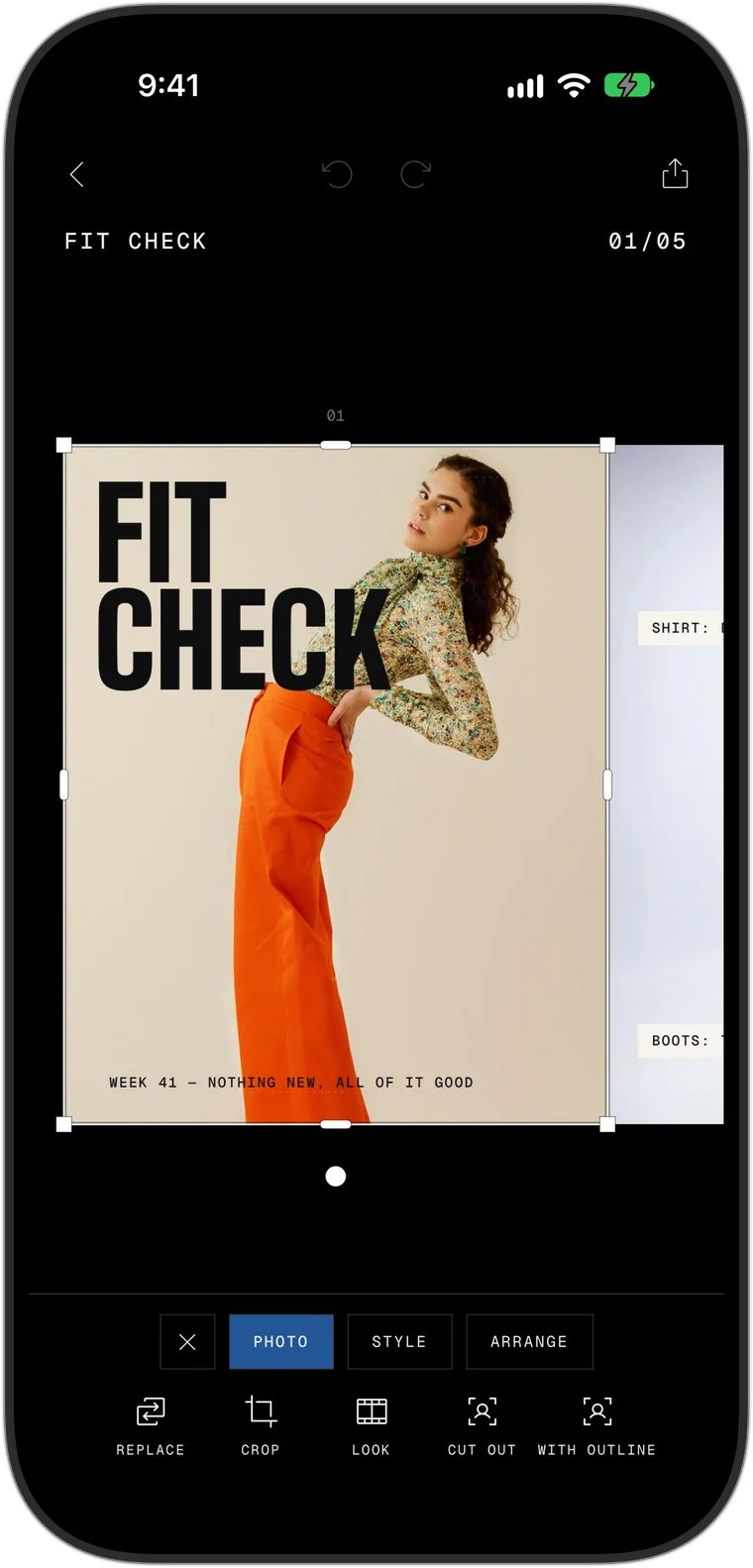
FRAMEKID on the Mac: the whole carousel on one canvas FRAMEKID on iPad FRAMEKID on iPhone
iPhone Duo05/07

iPhone Duo ready

Fold it.
Open it.
Post it.

FRAMEKID is built for iPhone Duo from day one.

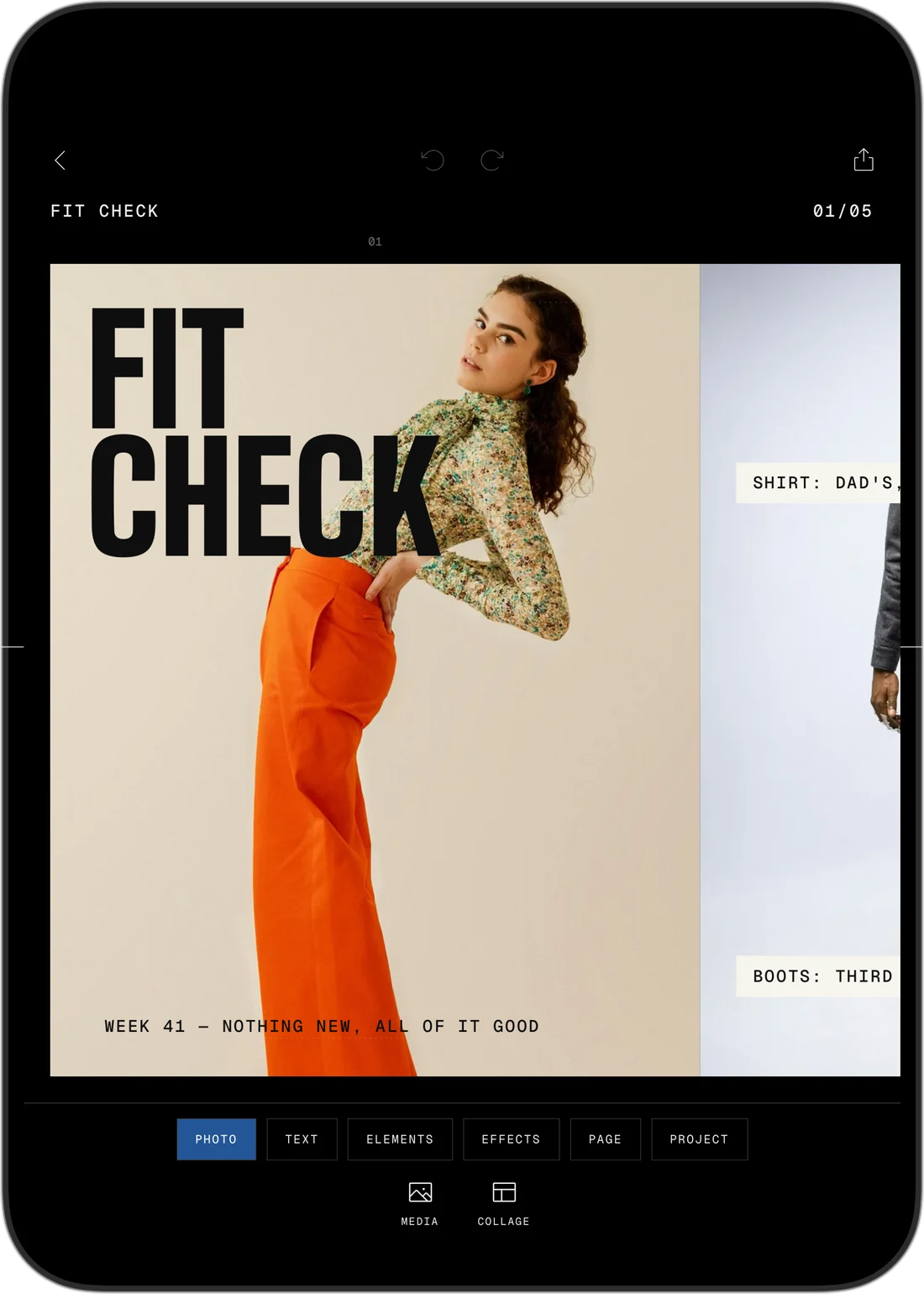
Closed, it is the pocket studio you know, with the buttons standing in a column right under your thumb. Open it and the slide gets the big screen. Set it down half folded and the slide sits on top with your tools below.
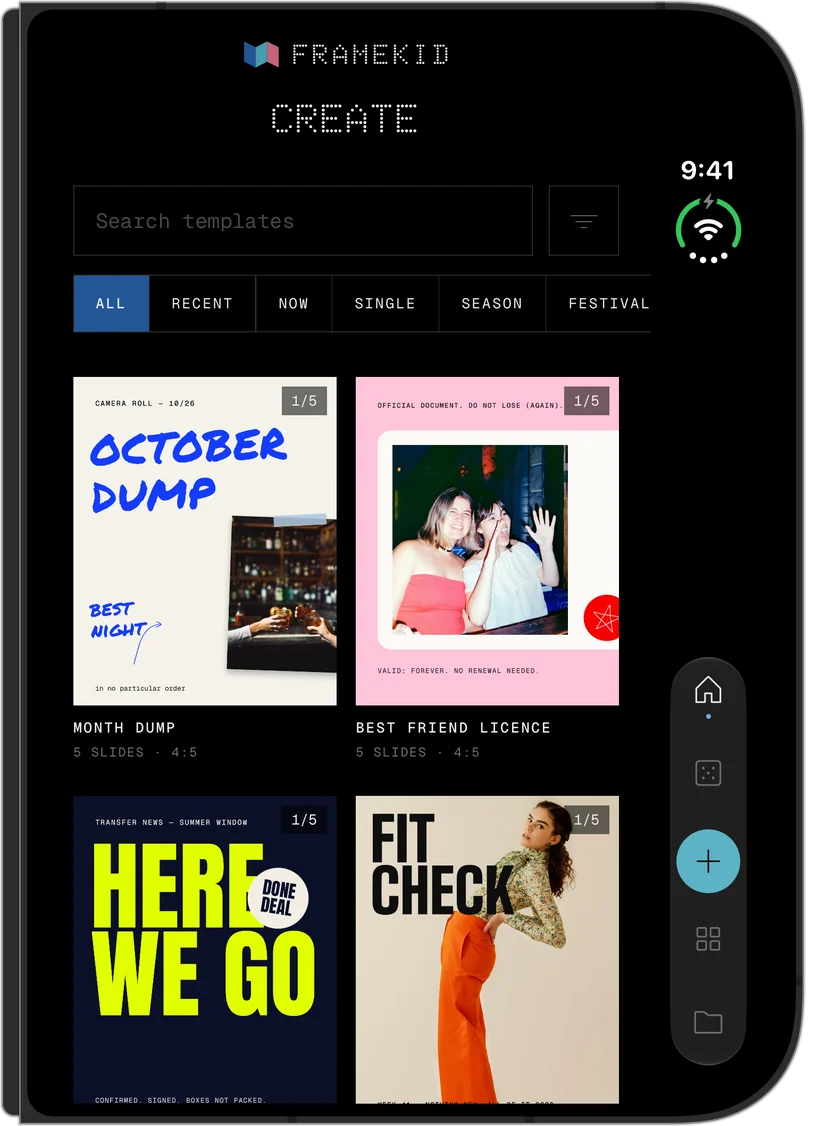
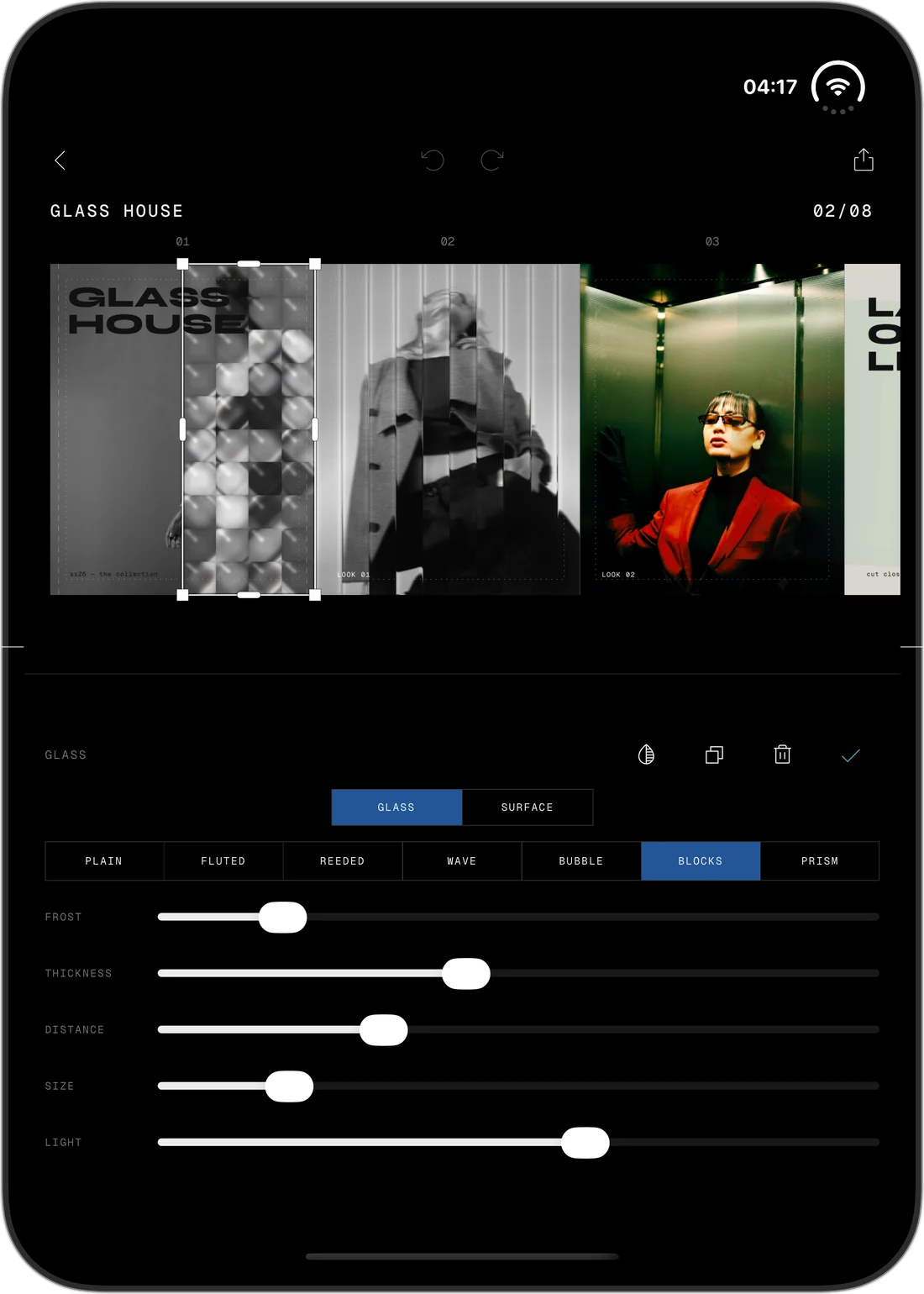
FRAMEKID on the closed iPhone Duo, its buttons in a column at the side
Closed
Half folded
FRAMEKID on the open iPhone Duo
Open
Pricing06/07

Cheaper than
your coffee.

Start free. Stay free if you like.

When you want everything, pick what suits you: by the month, by the year or once and for all. One purchase covers iPhone, iPad and Mac.

Free

$0

Forever

  • Try every tool
  • 12 templates
  • 3 projects
  • Export in 1080 px

Monthly

$3.99

Cancel anytime

  • All 280+ templates
  • Every tool, no watermark
  • Unlimited projects
  • Export up to 2160 px

Yearly 3 days free

$19.99

3 days free, then $19.99 a year. Renews automatically unless cancelled at least 24 hours before the trial ends.

  • Everything in Monthly
  • About $1.67 a month
  • iPhone, iPad and Mac
  • Our best deal

Lifetime

$59.99

Pay once, keep it

  • The full version, for good
  • All new templates included
  • No subscription
  • iPhone, iPad and Mac

Launch prices in US dollars. The App Store shows the price for your country. Lifetime includes all new templates and updates to every included feature; major new modules and expansion packs may be offered separately.

Privacy07/07

No account.
No tracking.
No ads.

We want your posts to look good. We do not want your data.

There is no sign-up, no profile and nothing to log in to. Your photos and projects stay on your device, the cut-out runs on your device, and the planner never asks for your Instagram password.

Ready to stop
the scroll?

FRAMEKID arrives on the App Store soon, for iPhone, iPad, Mac and iPhone Duo.